MOOTDECKDWG No. MD-001 · INTER-AGENT ORCHESTRATIONREV A
Local desktop app · Real terminals
RunCLIcoding agentsononecanvas.
MootDeck is a local desktop canvas for people juggling Claude Code, Codex, aider, and shell sessions. Every node is a real terminal. Ropes decide which neighbours can list, check, and ask each other.
An infinite surface where the work lays itself out.
No tabs, no windows to juggle. Drop a terminal anywhere, pan and zoom across the whole operation, and keep the full topology of your agents in view at a glance.
Drag nodes · Scroll to zoom · Drag background to pan
02Topology-gated visibility
An agent reaches exactly what you rope it to. Nothing more.
Every rope is one undirected connection between two nodes. list, check and ask are gated by that graph — and the gate is non-transitive: A roped to B, B roped to C does not let A see C. Visibility for those CLI calls is exactly the topology you draw; the bundled CLI does not cross a hop you did not make.
Undirected A rope is a pair, not a direction. Either end can reach the other.
Direct only Each call sees your immediate neighbours — there is no path-finding, ever.
By design Draw a tighter graph and you have tightened the coordination surface.
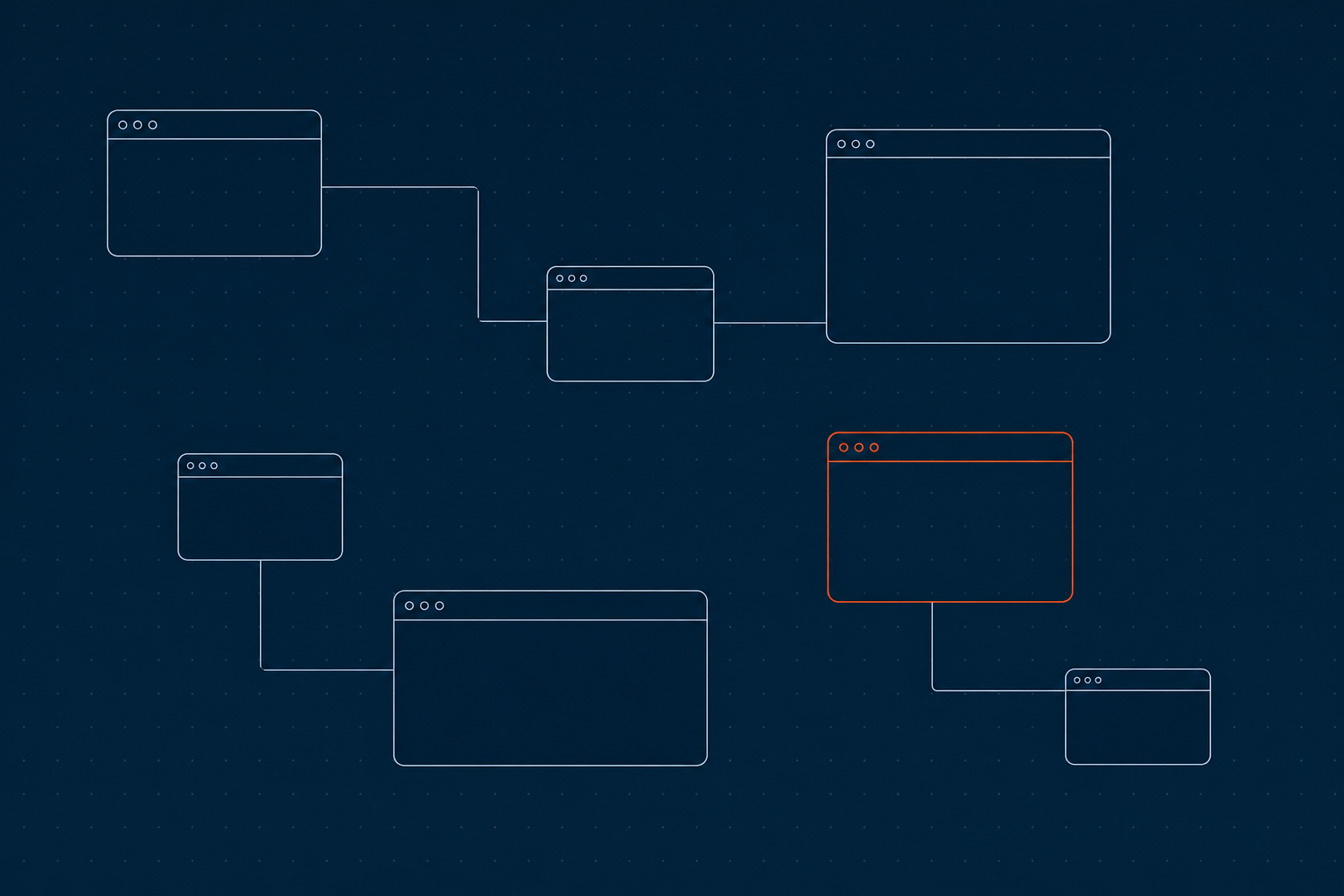
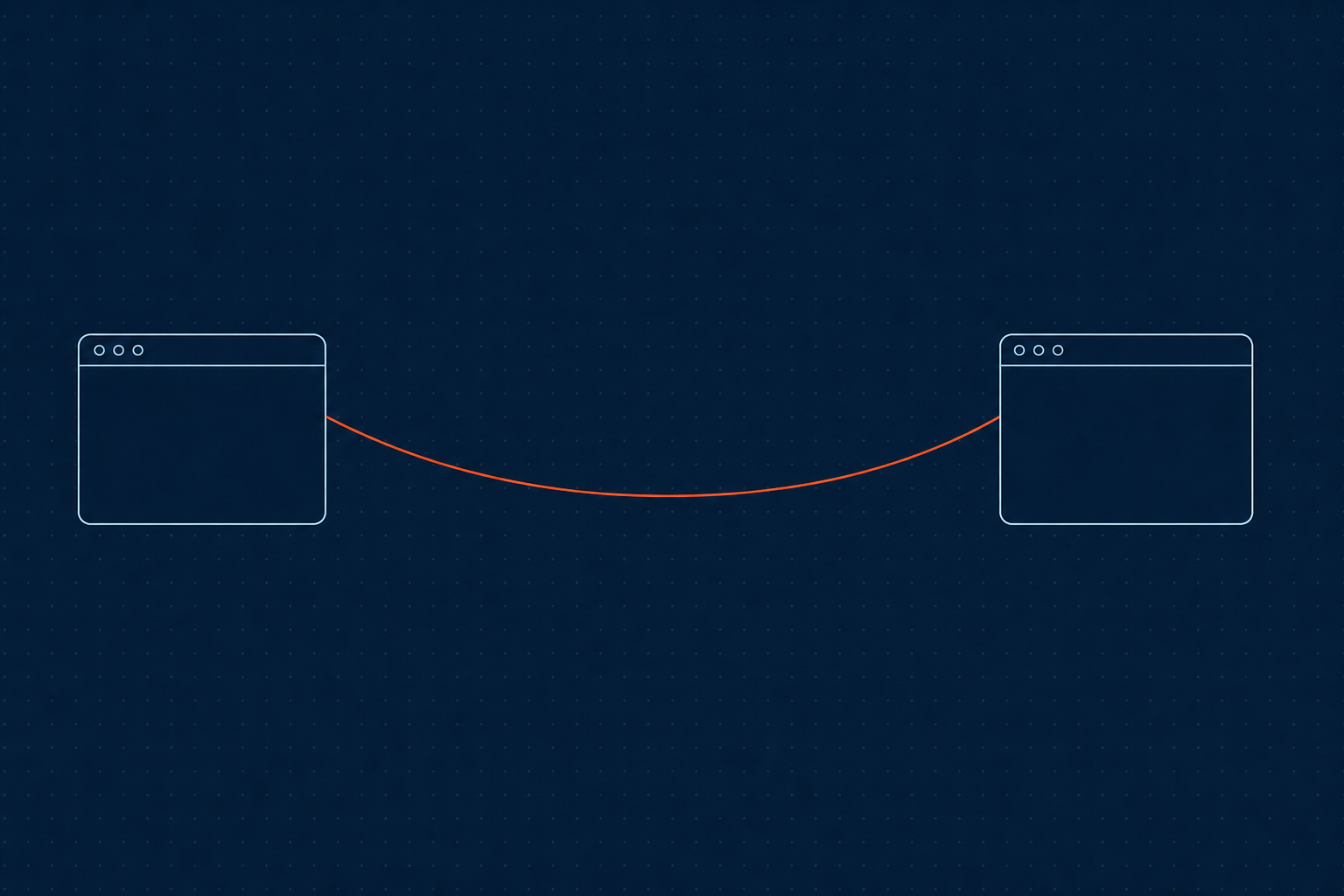
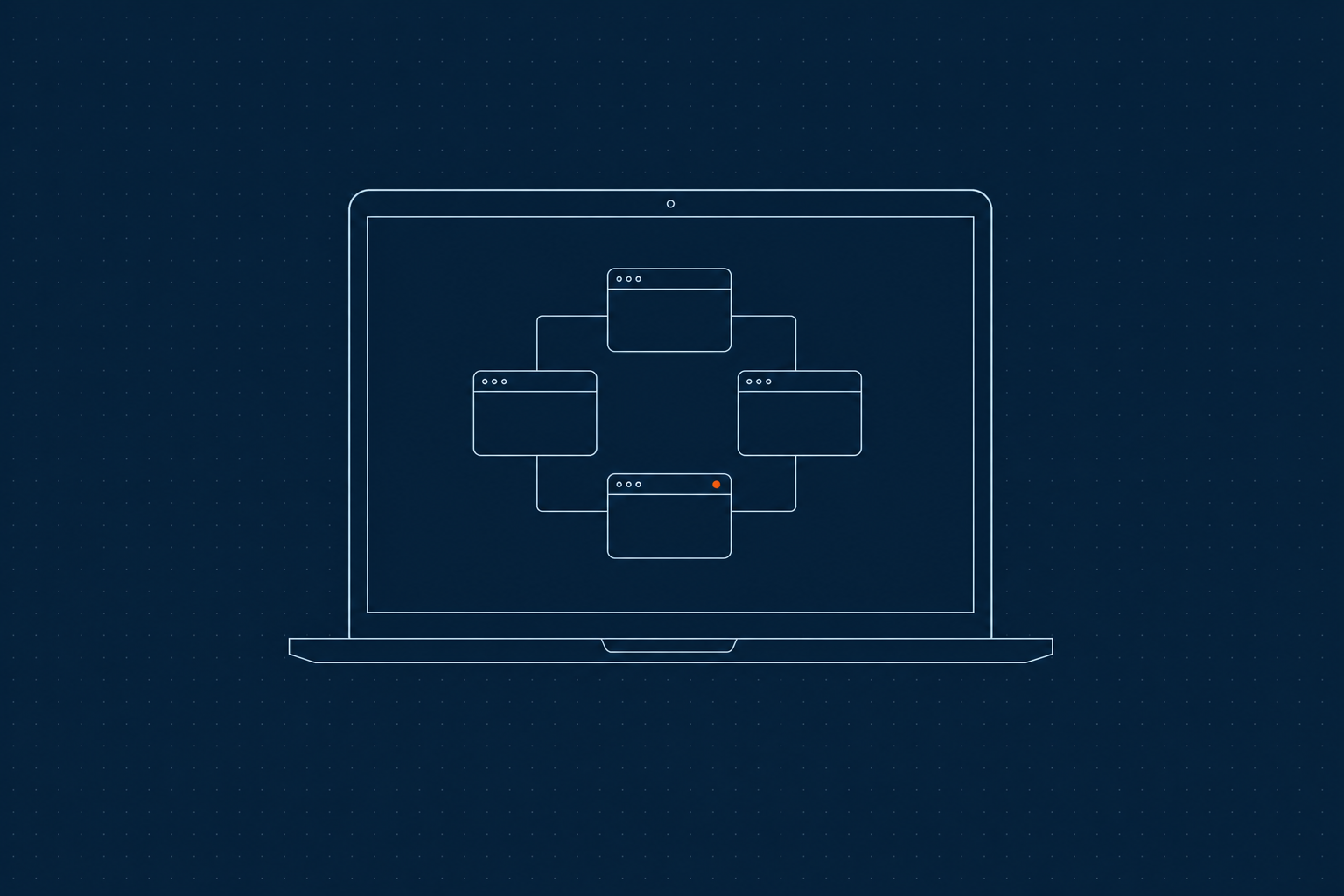
One operation, three angles — the full spread of nodes, a single roped handoff, and where the whole thing actually runs.
FIG.01 · Canvas
The whole operation, one surface. Real terminal nodes on an infinite canvas — pan, zoom and read every agent's live screen without hunting through tabs.
FIG.02 · Ropes
Handoffs ride the ropes. A rope is one undirected hop — list, check and ask reach only the neighbours you drew, so context moves exactly where you connected it.
FIG.03 · Local
It runs on your machine. Terminals, Markdown notes and the token-authenticated IPC socket are local. Point Mooty at Ollama and its inference stays on-device too.
03Capabilities
Built for agents that work together.
Any CLI agent, as a node
Every terminal is a real PTY running whatever you'd run in a shell — Claude Code, Codex, OpenCode, or your own scripts. MootDeck is not tied to one vendor; full-screen TUIs render correctly, so a coding agent on the canvas behaves exactly like one in your terminal.
Inter-agent CLI
Inside any terminal, the mootdeck CLI lets an agent list, check, ask, recruit and dismiss its neighbours — coordination as plain shell commands.
ask --batch
Fan one prompt out to several roped agents at once and collect their replies in parallel. ask returns when each target's screen has settled — and tells you when one is waiting on your input.
Shared sticky notes
Notes are real Markdown files every roped agent can read and write. The team's scratchpad — always in sync, always on the canvas, persisted to disk.
Reusable roles & presets
Give a recruit a persona and a brief: recruit "Scout" --role qa boots the agent in a role folder it reads at startup. Presets pick the launch command. A recruit with no command is a copy of you.
Mooty, an in-app reader
A built-in assistant that reads your running terminals and notes, summarizes a buffer into a note, and keeps the team's record. Mooty observes and writes notes — the agents do the doing.
Local & private
Run Mooty entirely on your machine through Ollama. In that setup, Mooty does not call a hosted model. Prefer a hosted model? Point it at one. The IPC socket is token-authenticated per app.
Infinite canvas + minimap
Pan, zoom and fit across an unbounded surface. The live minimap keeps the whole operation one glance away, however far it sprawls.
04Orchestrate
Recruit a team in three moves.
01
Spawn a master
Open a terminal, start your agent, and make it the conductor of the canvas.
02
Recruit & rope
mootdeck recruit "Waechter" spawns a new agent, already connected. Draw ropes to shape who can reach whom.
03
Let them collaborate
Agents ask each other, share notes, and report back. You watch the status dots and step in only when one waits on you.
05The mootdeck CLI
Coordination, as shell commands.
A thin client every roped agent already has. Topology-gated, so each call only ever reaches the neighbours you've connected.
list— who am I roped to?
check— read a neighbour's live screen
ask— send a prompt, wait for the screen to settle
recruit— spawn a new, connected agent
note— read & write the shared scratchpad
connect— rope two nodes together
Master — claudetopology-gated
06Mooty
An assistant that's read the room.
Mooty reads your terminals and notes and writes the team's record. Ask it to catch you up.
Summarize what Waechter's been doing.
MOOTY
fetch_terminal_buffer(Waechter)add_note(Status)
Waechter refactored server.rs, ran the suite — 48 passing — and is now idle. I saved the rundown to a note so the team has it.
Models: chat claude-sonnet-4-6 · summaries claude-haiku-4-5 · or fully local via Ollama.
Bring your agents together.
One canvas. A whole team — launching end of July, free during beta. Drop your email and we'll tell you the moment it goes live on macOS, Windows & Linux. Early users keep a permanent advantage once pricing arrives.
No spam — just one email when it's ready. We store only your email address; unsubscribe anytime. See our Privacy Policy.